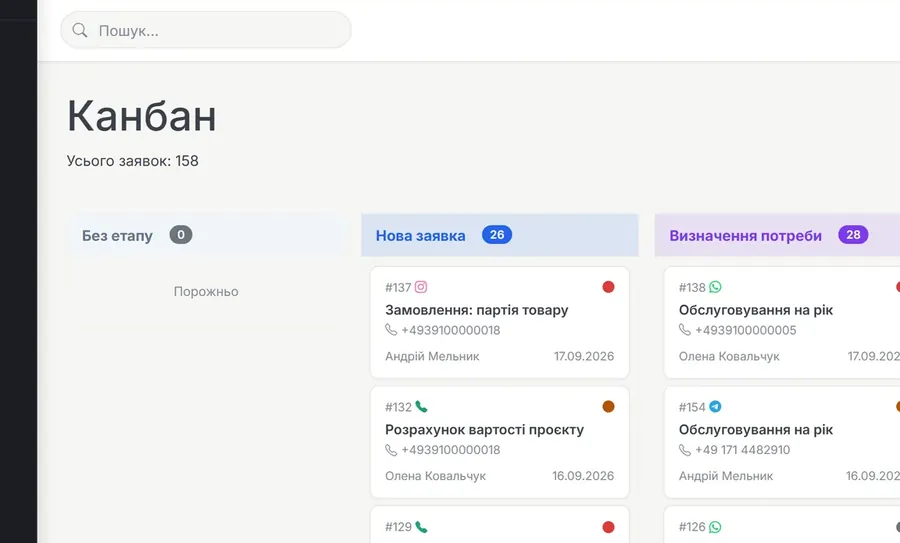
Leads / Pipeline
Every enquiry — from the site, the phone, messengers and ads — lands in one pipeline. You can see the stage each lead is at, who owns it and how long it has been standing still.
▶ Video inside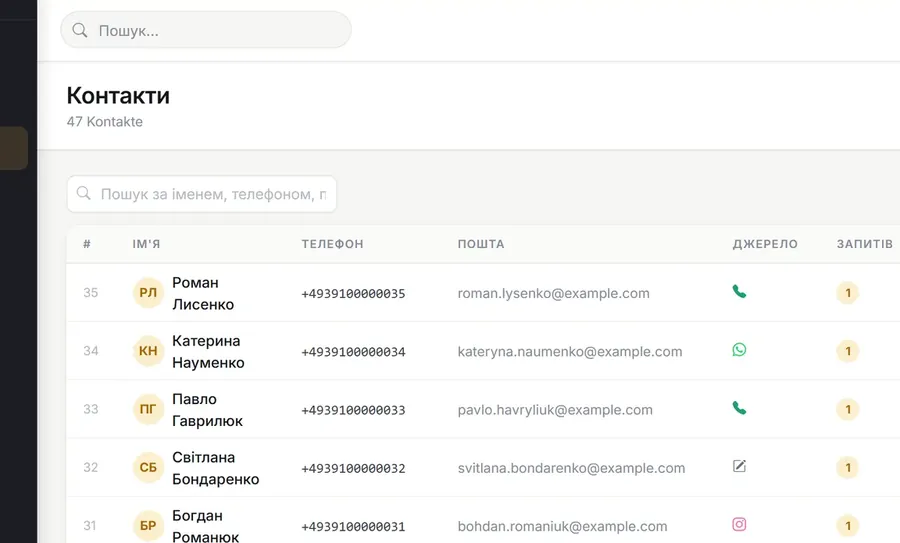
Contacts
A file of customers and companies: who they are, where they came from, what they ordered and for how much. Contacts are not duplicated — the system recognises them by phone or e-mail.
▶ Video inside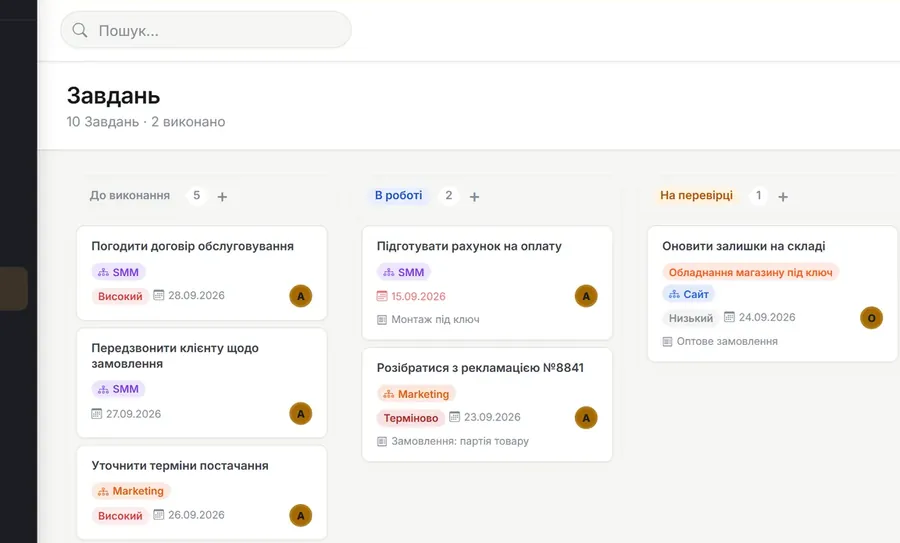
Tasks
The team's internal work: who does what and by when. A task lives next to its lead or project, so its purpose is always clear.
▶ Video inside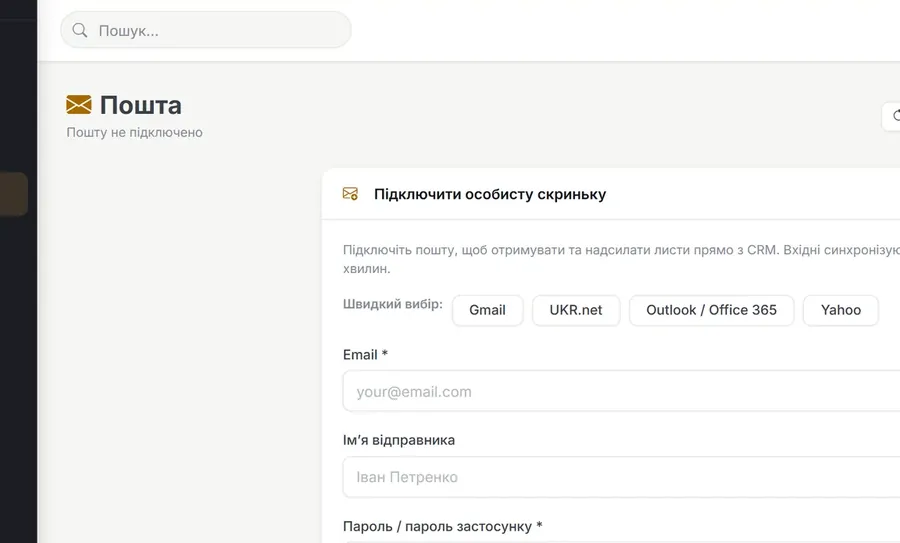
A mailbox inside the CRM. Letters from a customer attach to their card, so the correspondence does not disappear into a manager's personal inbox.
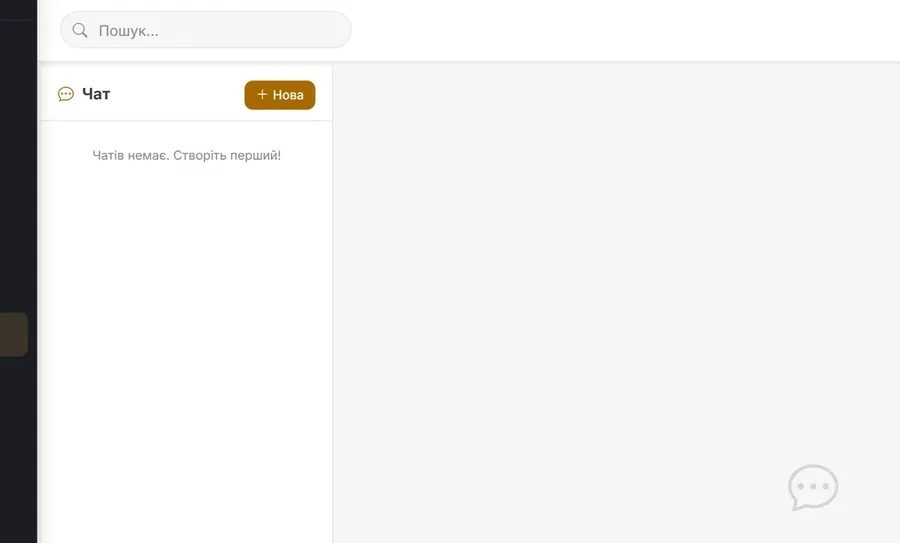
Chats
An internal chat for the team: work discussions stay in the system instead of personal messengers, where nobody can reach them after someone leaves.
▶ Video inside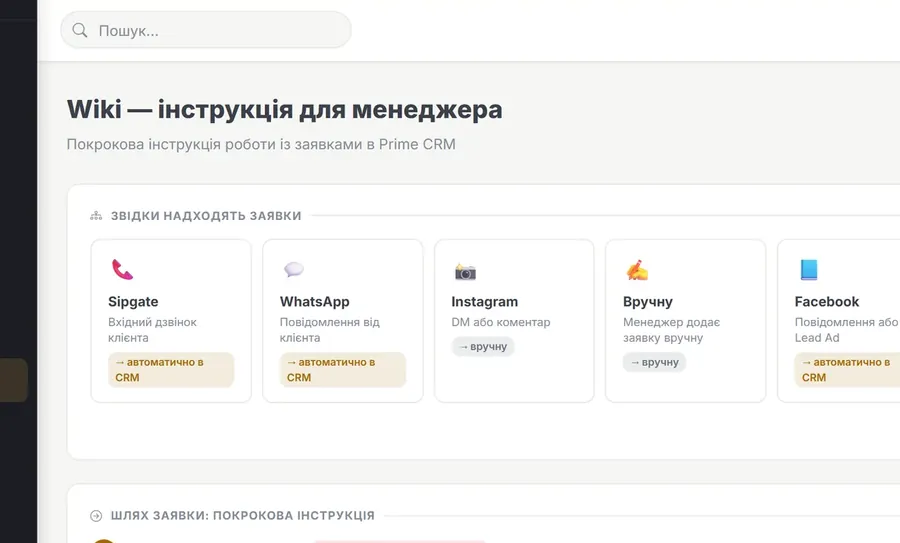
Wiki
The company knowledge base inside the CRM: instructions, rules, scripts. A new colleague reads them in the same system they work in.
▶ Video inside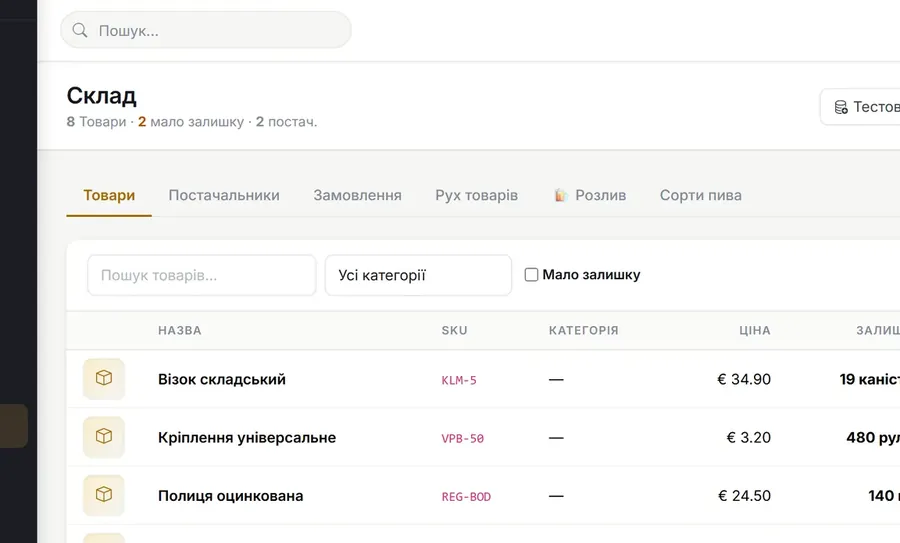
Items / Stock
Stock accounting: what you have, how much is left, who you buy from. The balance is written off against orders, so the warehouse does not drift away from sales.
▶ Video inside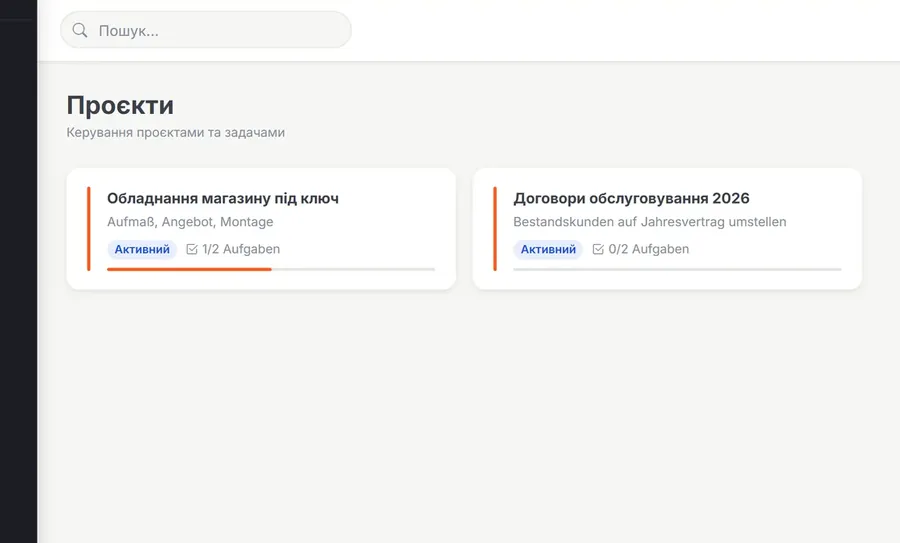
Projects
When the work is longer than a single task: a project gathers tasks, members, files and links in one place.
▶ Video inside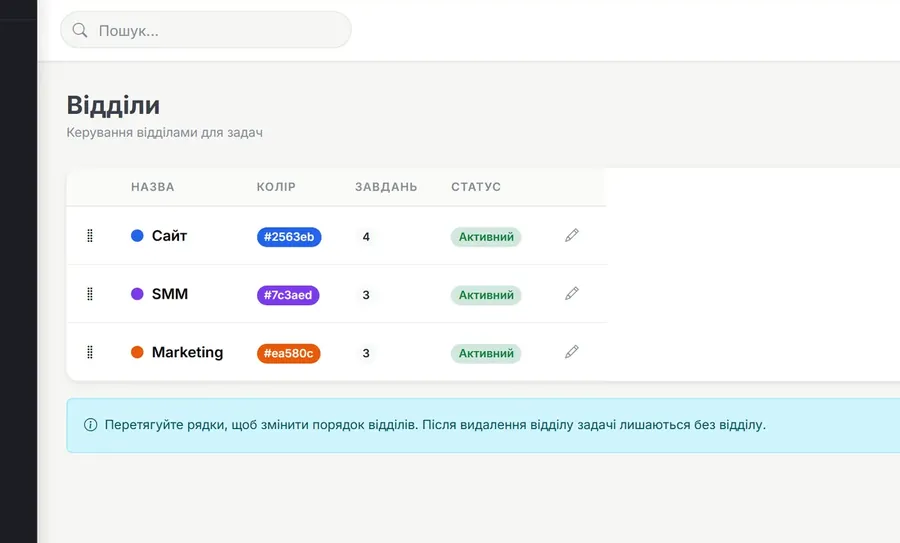
Departments
The company structure inside the system: departments, employees and who each task is addressed to.
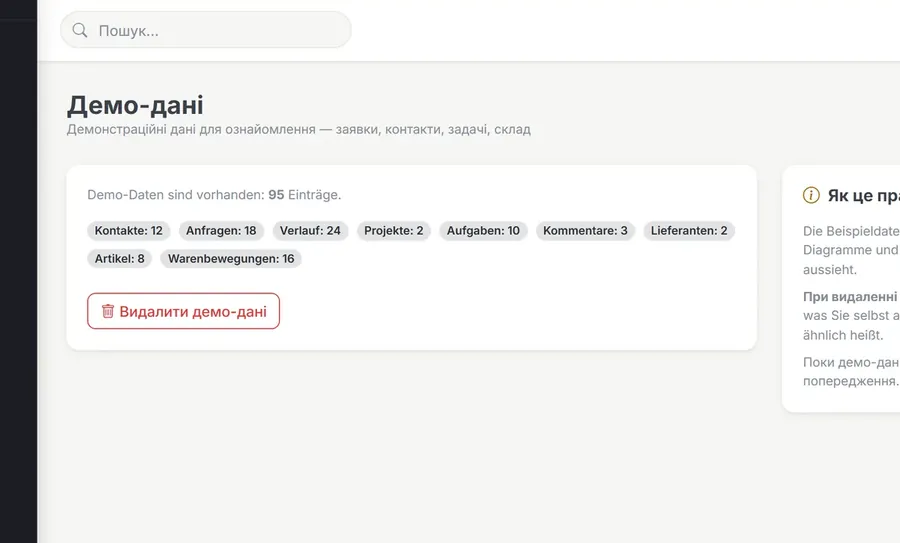
Demo data
A filled system to look around: leads, contacts, tasks and stock for the last two months. The charts and the pipeline are populated from the start, so you see how it all looks in use.
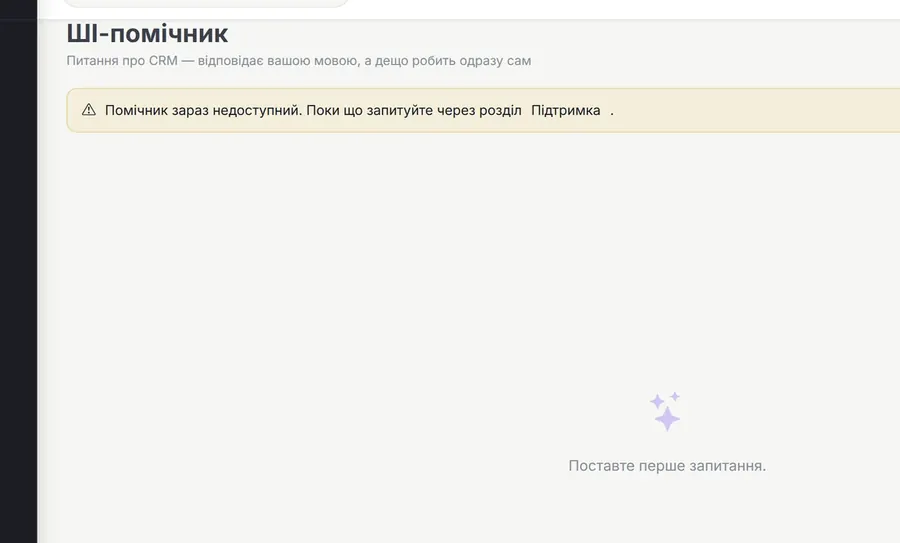
System assistant
It points out where things are and how to do them. It answers in the language of the question and performs part of the actions itself.
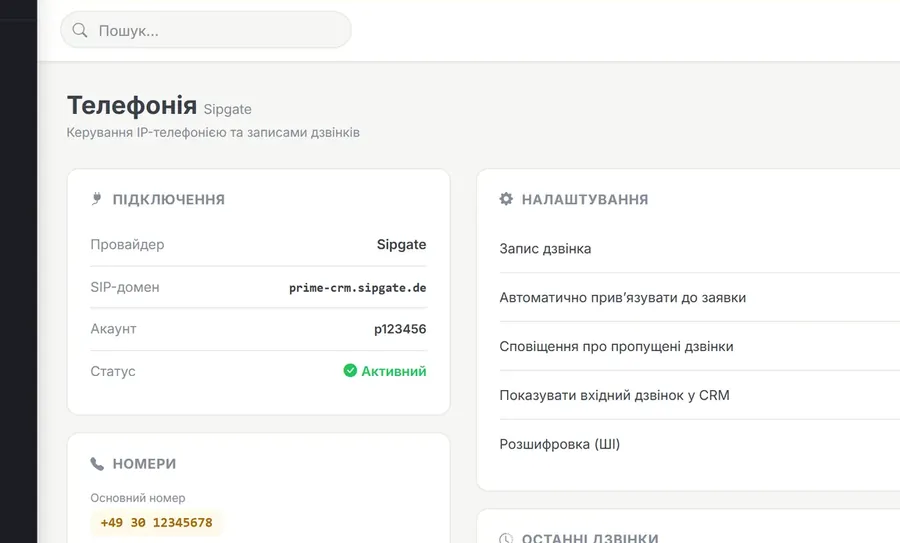
Telephony
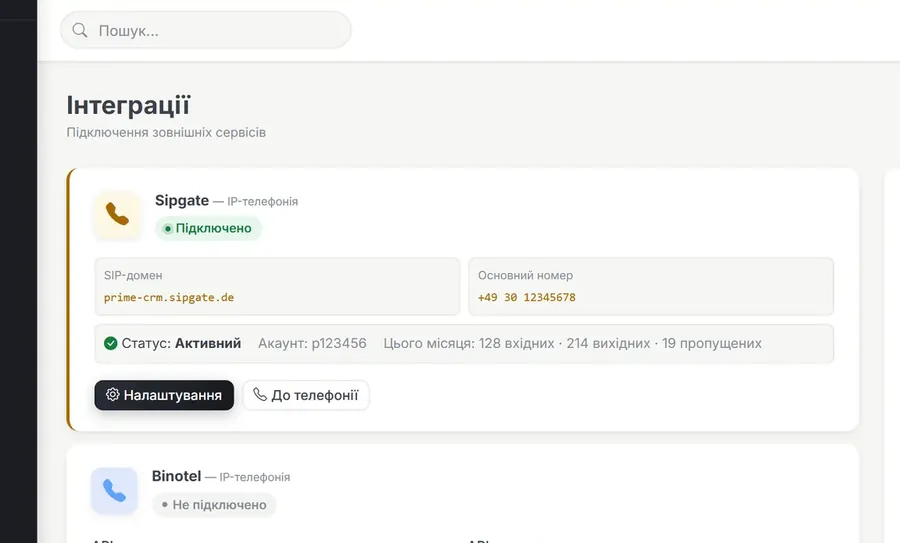
Binotel IP telephony. An incoming call opens the customer card at once, and a missed call turns into a lead so nobody is lost.
Integrations
The channels your enquiries arrive through connect without programming: the shop, messengers, ads and mail.
AI assistance
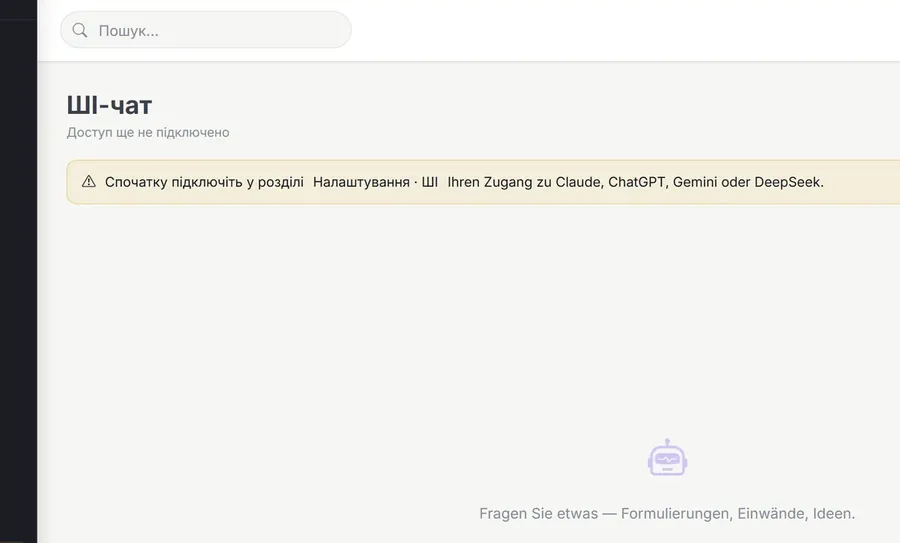
The AI runs on your key: you connect your own Claude, ChatGPT, Gemini or DeepSeek account and pay the provider directly. We have no access to your conversations.
Website SEO audit
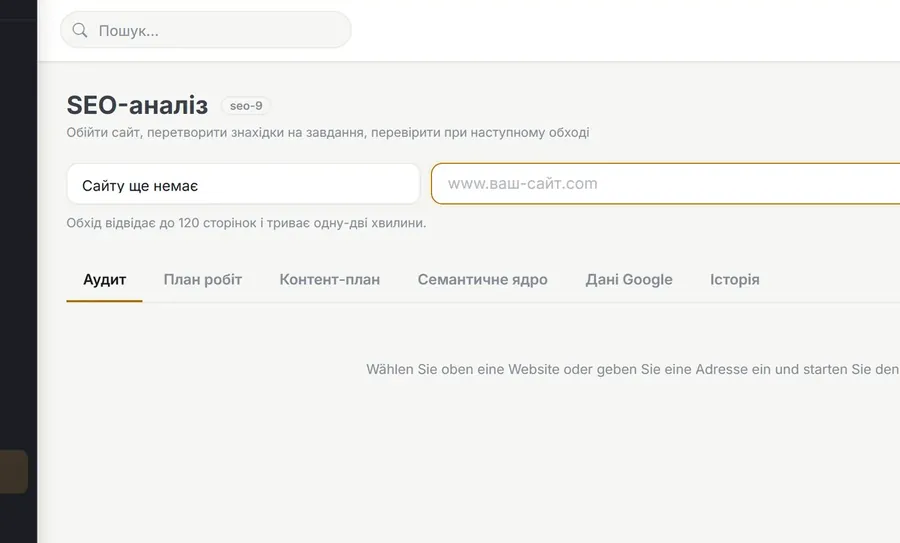
An 18-point site check with a step-by-step plan. The plan is written by the AI you connected, and the query data comes from Google Search Console — measured numbers, not someone's guesses.
SEO Chmeo (connector)
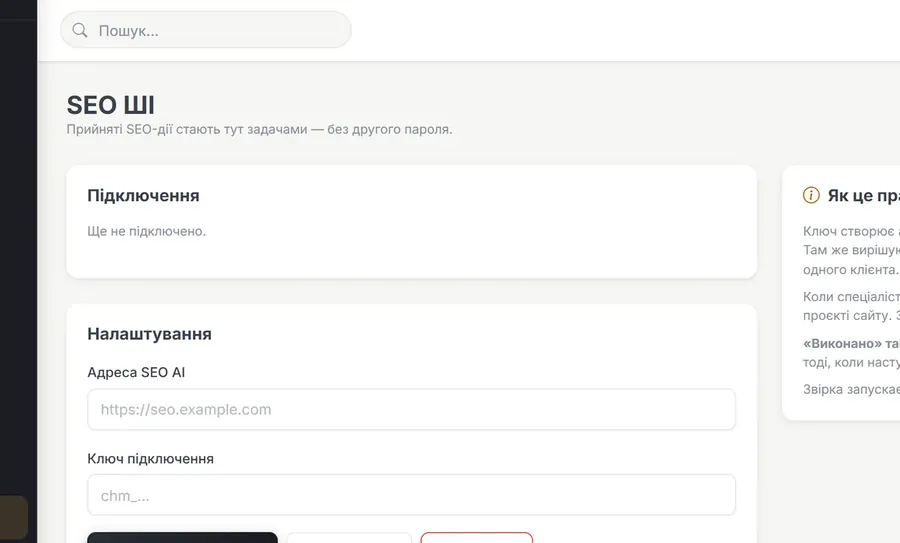
A bridge between the CRM and the SEO Chmeo service. An action accepted there appears here as a task in the site project, and the status syncs both ways.
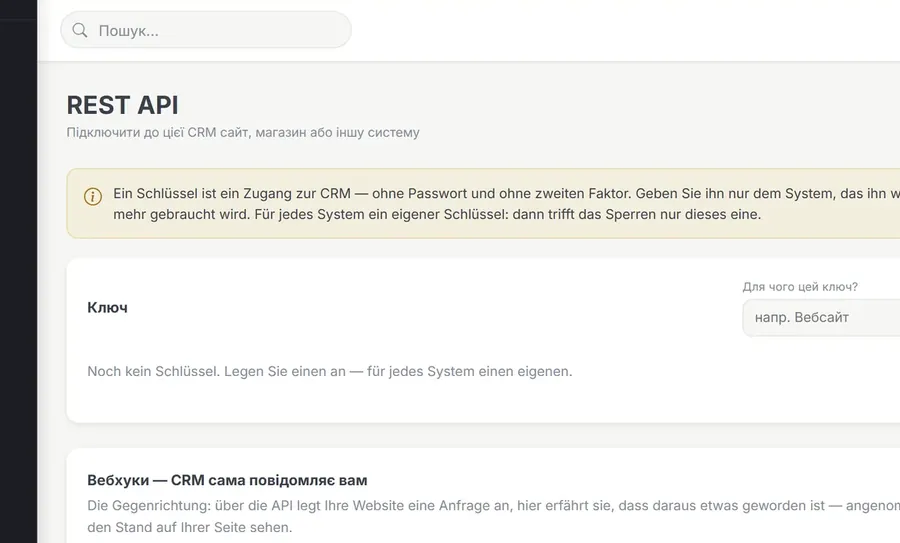
REST API
Access keys that connect the CRM to your site and third-party services. The site creates leads, reads and changes data, and the CRM tells you about changes through webhooks.
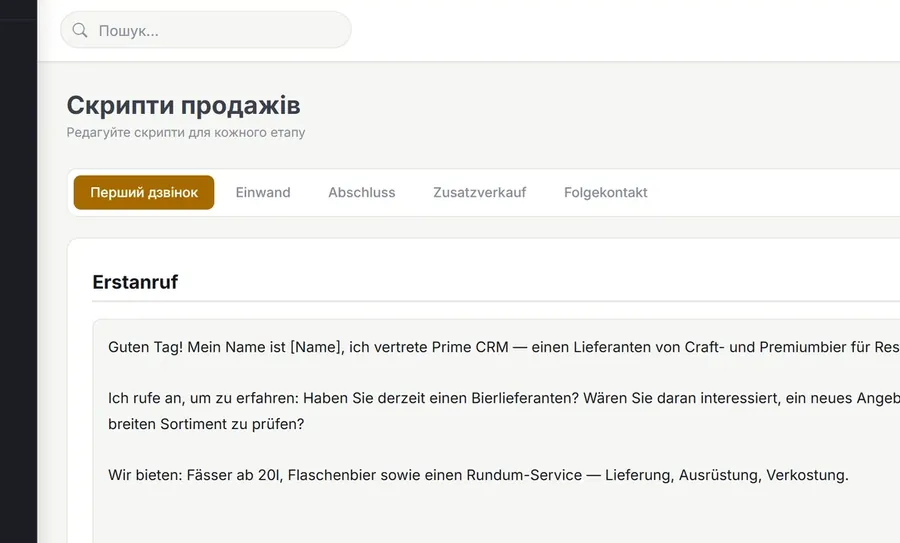
Sales scripts
Conversation scenarios for every stage of the pipeline. A manager does not invent wording on the spot, and a newcomer sounds experienced.
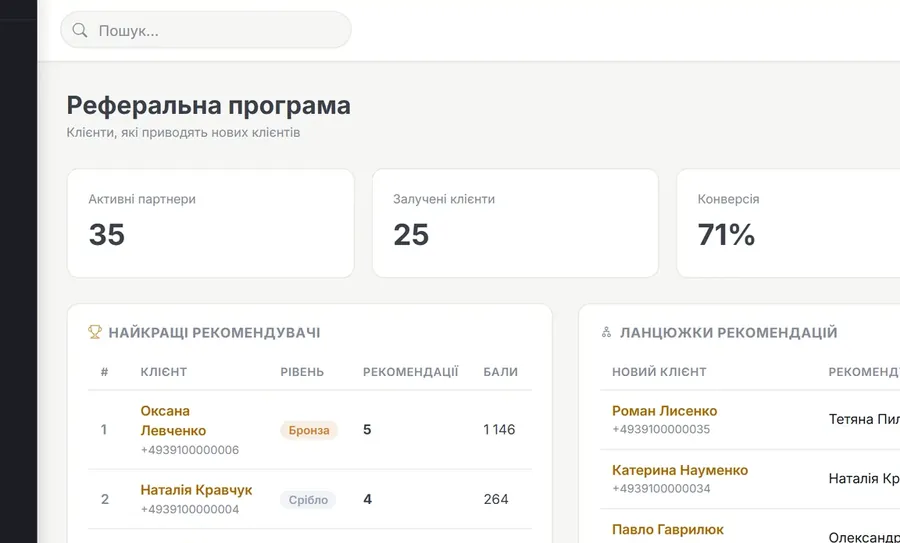
Referrals
A referral programme: who brought whom, the points they earn and their level. You can see which customers actually bring new ones.
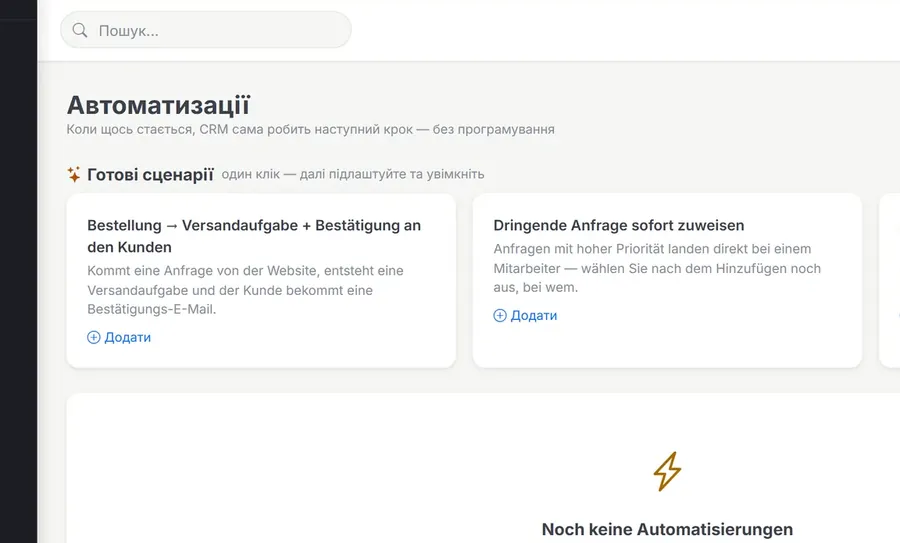
Process automation
Chains of event → condition → action without programming. When something happens, the system takes the next step itself: creates a task, sends a letter, fires a webhook.
▶ Video insideKeyCRM-зеркало (кастом)
Заказы, покупатели, товары и менеджеры из KeyCRM клиента; обновляется каждые 5 минут
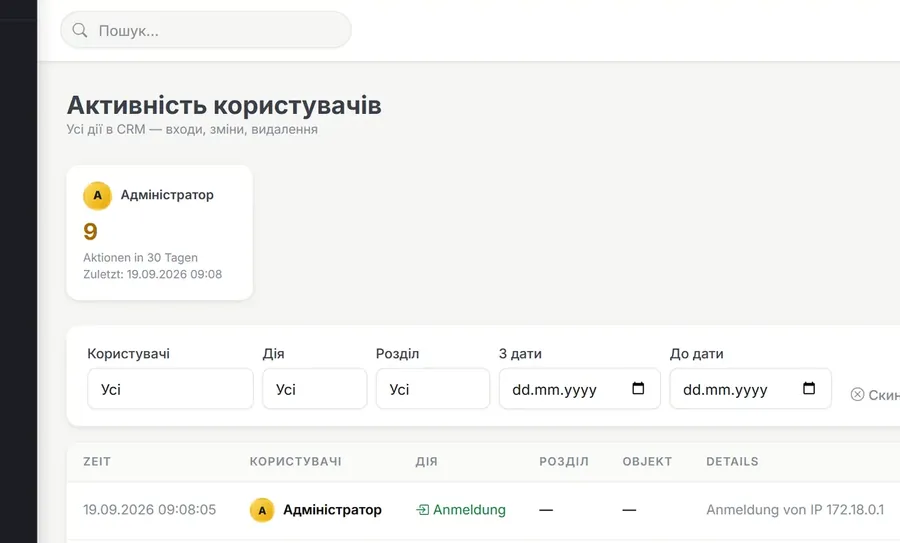
Text editing
Rename labels to match your company's vocabulary. If you say “orders” or “requests” rather than “leads”, you change it yourself, without a developer.